No-Code vs Custom Code for Your MVP: Where the Line Really Is
 Muhammad UbaidullahFounder & Lead Engineer, Malvora
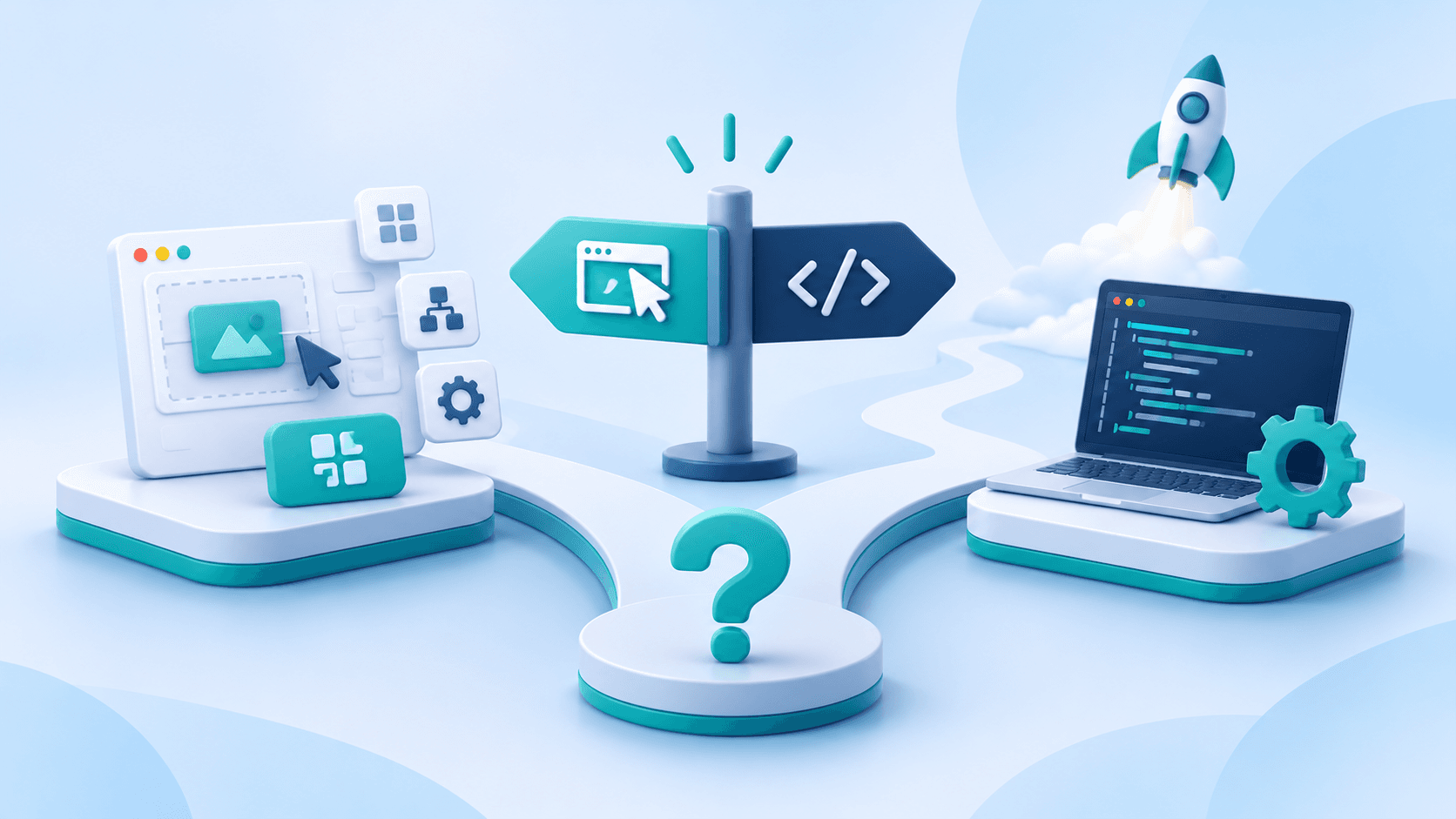
No-code or custom code for your MVP? When no-code is the smart start, the signs you've outgrown it, and how to migrate without starting over.
No-code tools have made it possible to launch a product without writing a line of code, and for many founders that's exactly the right start. But no-code also has limits, and founders often find them at the worst moment: just as users start arriving. This guide explains when no-code is the smart choice for an MVP, the signs you've outgrown it, the real costs of each path, and how to move from no-code to custom code without starting over.
What "no-code" and "custom" actually mean
No-code tools (website builders, app builders, database and automation tools) let you build products by configuring visual blocks instead of writing code. Low-code tools sit in between, letting developers add code where the visual tools fall short. Custom development means engineers write the product's code, giving full control over how it works and where it runs.
Neither is better in general. They're tools for different stages and different kinds of products.
When no-code is the right choice for an MVP
No-code shines when speed of learning matters more than anything else. It's often the right call when your product is mostly forms, lists, bookings and dashboards built on standard patterns, you need to test demand before spending real money, the number of users in the first months will be small, a non-technical founder needs to change things daily without waiting on a developer, or the product is an internal tool or a manual service with a light software layer.
Picture a founder testing a marketplace that matches event venues with planners. A no-code site with a listings database, a request form and some email automations might be enough to see whether planners actually book through it. If they don't, the founder has learned that cheaply.
Signs you've outgrown no-code
No-code platforms become a problem when the product's needs move past what the tool was designed for. Common signs include:
Workarounds everywhere. Simple features need chains of automations, duplicate data and manual fixes to work.
Performance problems. Pages or actions get slow as data and users grow.
Rising platform costs. Pricing tied to users, records or automation runs grows quickly with traction.
Features you can't build. Complex permissions, custom logic, offline use, real-time updates or specific integrations aren't possible, or only possible badly.
Security and compliance questions. Enterprise customers or regulated industries ask questions about data storage and access that the platform can't answer the way you need.
Dependence on one vendor. Your entire business runs on a platform that could change its pricing, limits or features at any time.
No-code is a great way to find out if people want your product. It's rarely the right way to serve them once they do.
When to start with custom code instead
Some products should skip no-code entirely. Start custom when the core value of the product is technical (complex logic, AI-driven features, real-time collaboration, heavy data processing), you need native mobile apps with device features or offline use, you're building for regulated industries or enterprise buyers with strict security requirements from day one, or you already have proof of demand and need a product that can grow with it.
For example, an offline-first journal app our team built needed both partners to edit entries offline and sync photos and changes safely later. That kind of behaviour isn't a good fit for typical no-code platforms. Neither is a food delivery platform with separate customer, seller and rider apps that have to stay in sync as each order moves, another product our team built with custom code.
Comparing the real costs
No-code usually costs less to start and less time to first launch. But the costs that matter appear later: monthly platform fees that grow with usage, time spent on workarounds, and the eventual rebuild if you outgrow the tool.
Custom development costs more up front. In return, you control the code, the data and the hosting, you can build exactly the features users need, and running costs are often more predictable as you grow.
The right question isn't "which is cheaper?" It's "which is cheaper for the next stage of this business?"
How to move from no-code to custom without starting over
If your no-code MVP is working and you need to move, plan the migration rather than rushing it.
Document what the product does today: every screen, workflow and automation, and every manual workaround.
Export and clean your data early. Understand how users, records and relationships are structured, and fix inconsistencies before moving.
Prioritise the part that hurts most. Sometimes the first step is moving only the backend or one complex workflow, while keeping simpler pages on the existing tool for a while.
Keep your users informed and plan the switchover for a quiet period, with a way to roll back if something goes wrong.
Use what you learned. The no-code version is the best product spec you'll ever have: it shows what users actually do.
Questions to ask before you choose
What's the one workflow we need to test, and can a no-code tool handle it well?
How many users and how much data do we expect in the first six months?
Which features are hard requirements, such as offline use, complex permissions or specific integrations?
What will platform fees look like at ten times today's usage?
If this works, how and when would we move off the platform?
How Malvora helps founders decide
We're happy to tell a founder they don't need custom code yet. When we scope an MVP, we look at what needs to be tested, what users need in the first months and where the product is headed. If no-code fits, we'll say so. If it doesn't, or the founder has already outgrown it, we build the custom version, migrate the data and make sure the founder owns the code and accounts.
Frequently asked questions
Can I raise investment with a no-code MVP?
Yes. Investors at early stages usually care more about traction and evidence of demand than the technology behind it. As you grow, they'll want to understand your plan for the technical side.
Is no-code secure?
Established no-code platforms generally handle basic security well, but you have less control over where data is stored and how access works. If you have strict security or compliance needs, check carefully before choosing a platform.
How long does it take to move from no-code to custom code?
It depends on the size and complexity of the product. A focused migration of a small product is much faster than rebuilding a large one. A clear document of what the current product does speeds it up considerably.
Should I use low-code tools instead?
Low-code can be a good middle ground for internal tools and some products, especially if you have developers who can extend it. The same questions about limits, costs and vendor dependence still apply.
Not sure whether to build your MVP on no-code or custom code, or wondering if you've outgrown your current tool? Book a Free Call. We'll give you an honest recommendation for your stage.
Every insight here comes from real projects. If something resonates with a challenge you’re facing, tell us about it on a free 30-minute call, whether you run a business or are building a product.
Want this applied to your project?
Running a business or building a product? Book a free 30-minute call. Fixed quote after.
More insights