
Workflow Automation
Cut hours of admin down to minutes.
Pick the task your team dreads most. We automate it end to end, using the tools you already have.
- 1–2 weeks
- Fixed quote within 24 hours.
- You own everything
Case studies
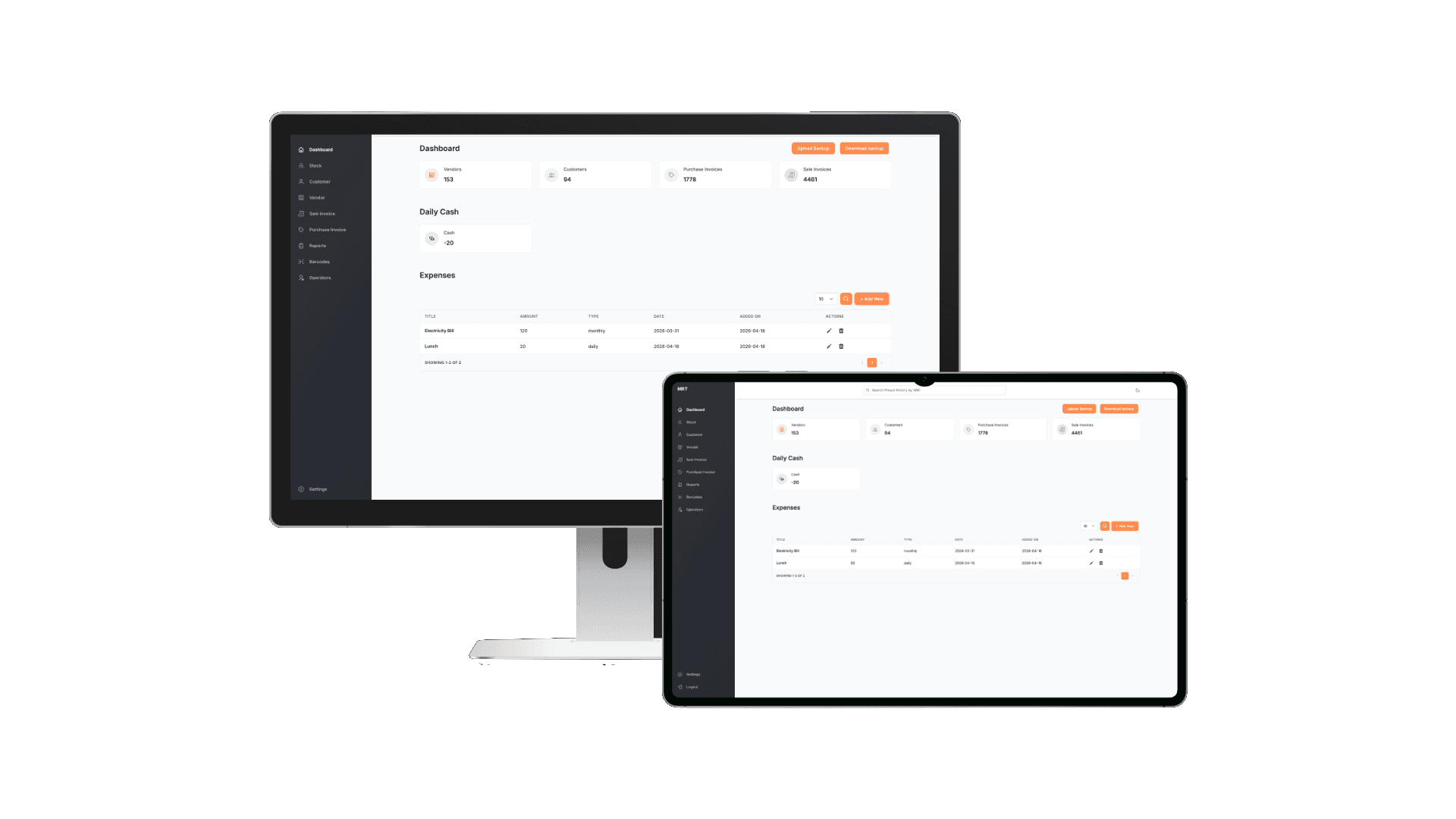
Desktop app · Retail · 2024
MRT POS
Delivered to several retail shops
Case study 1 of 1: MRT POS
Other work we’ve delivered for businesses
The problem
Sound familiar?
“My evenings go to invoices.”
Hours every week on work a system could do while you sleep.
“Quotes go out, then nobody follows up.”
Jobs you’d have won go quiet because there’s no time to chase.
“We copy the same details into three tools.”
Every copy is time, and every copy is a chance for a mistake.
Every week it waits, the same hours go on the same task.
What you get
What’s in Workflow Automation
The task mapped
We walk through it with whoever does it today and agree exactly what changes.
One workflow, end to end
Automated from start to finish, not half a job.
Your current tools
Connected to what you already pay for, wherever possible.
Alerts if anything fails
Nothing breaks silently; you hear about it straight away.
A short guide
So your team knows what happens automatically and what to do if it stops.
Example: invoice and reminder
- Job marked as done
- Invoice created from the job details
- Invoice emailed to the customer
- Reminder sent if it’s unpaid after 7 days
- You get a weekly list of what’s still outstanding
Scope
Clear on what’s in, what’s not, and what we need.
Not included
- Replacing all your software
- More than one workflow (each extra one is quoted separately)
What we need from you
- Half an hour with the person who does the task today
- Access to the tools involved
- A few real examples to test with
How it works
Step by step, with dates in writing.
Step 1: Free call, fixed quote
A 30-minute call about what you need. Within 24 hours you get a written, fixed quote and a start date.
Within 24 hours
Step 2: Map the task
We walk through the task with whoever does it today and agree exactly what the automation will do.
Days 1–2
Step 3: Build and test
We connect your tools and test with real examples until it runs cleanly.
Week 1–2
Step 4: Hand over
It goes live with alerts if anything fails, plus a short guide for your team.
1–2 weeks
- Fixed scope and fixed price, agreed in writing before work starts.
- Packages: 50% deposit to start, 50% on delivery.
- You own the code and content once the final payment is made.
Peace of mind
The usual worries, handled.
Nothing fails silently
If a step breaks, you get an alert straight away.
The manual way still works
Your team can always fall back to doing it by hand.
Built on tools you own
It runs on your accounts, so it doesn’t disappear if we do.
Fit
Is this right for you?
A good fit if
- Your team copies the same information between tools
- Quotes and follow-ups go out late, or not at all
- Invoicing or scheduling eats hours every week
- Your tools don’t talk to each other
Probably not if
- The task changes completely every time
- You want to replace every tool you use at once
After launch
We check in 30 days after launch. AI & Automation Care covers fixes when a connected tool changes.
FAQ
Questions we get asked
What kind of tasks can you automate?
Anything repetitive with clear steps: sending follow-ups, creating invoices, booking reminders, review requests, moving details between forms, spreadsheets and your CRM.
What if it breaks?
You get an alert straight away, so nothing fails silently. AI & Automation Care covers fixes when a connected tool changes.
Do I need new software?
Usually not. We start with the tools you already pay for and only suggest something new if it clearly saves you money.
Can you automate more than one task?
Yes. Each workflow is scoped and quoted on its own, so you always know what you’re paying for.
Related
Often paired with
- AI AssistantAn assistant that answers enquiries, collects job details and books estimates, day or night.1–2 weeks
- Tech & AI AuditA plain-language review of your website, tools and admin, with a fixed-price plan for what to fix first.1 week
- Care PlansYour website, assistant and automations kept updated, secure and working after launch.Monthly, after launch
Which task would you get rid of first?
A free 30-minute call. Fixed quote within 24 hours.